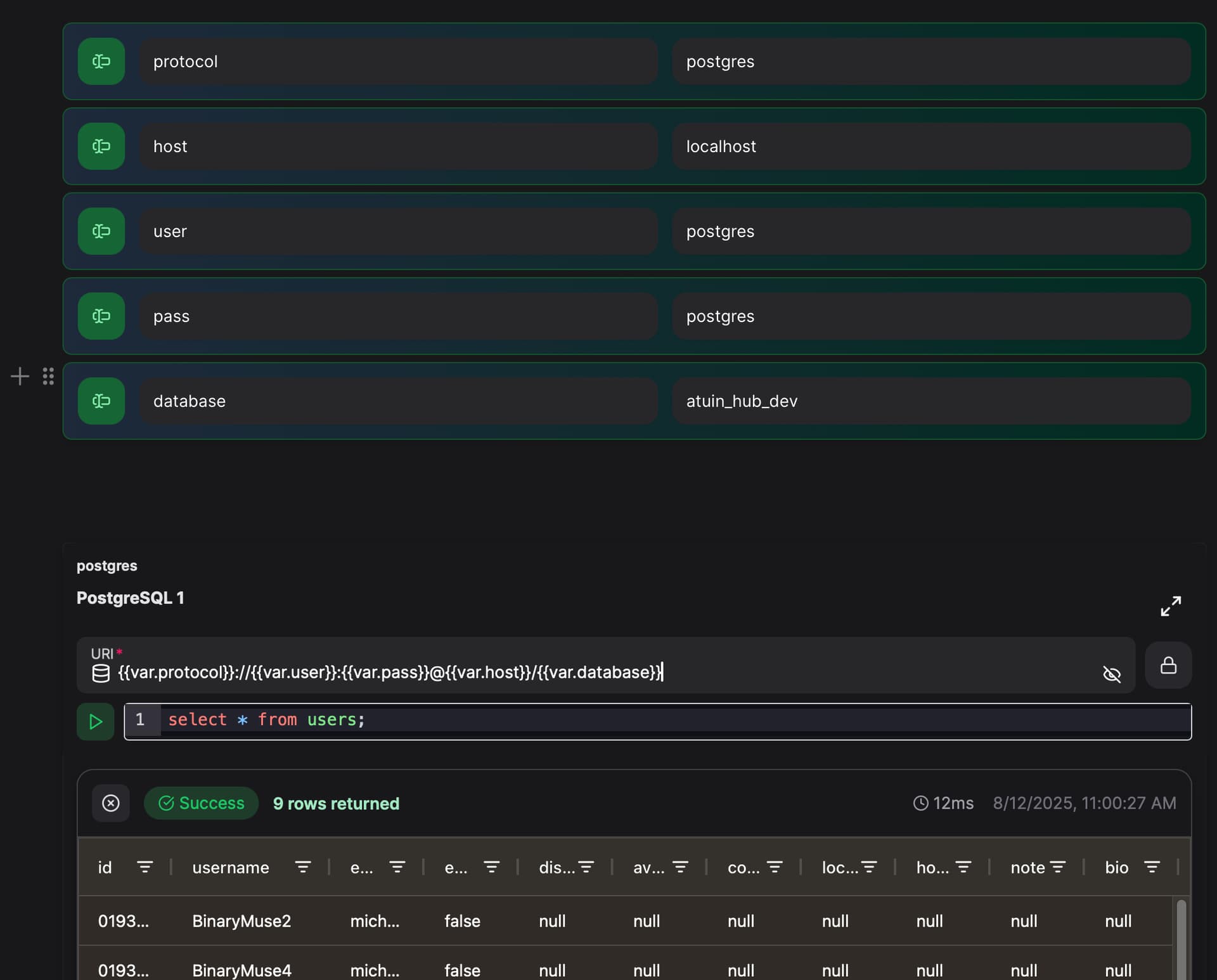
I’ve integrated my secret solution with script elements to pass credentials as variables to connect to a MySQL database and run queries, and it works fine with the terminal element.
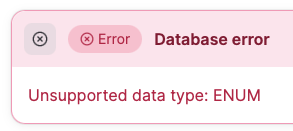
But when I try to use the MySQL database element and use these credential variables within the URI string, it just does not change into the variable values during the connection attempt.
Here’s my working setup with the terminal element:
MYSQL_HOST={{ var.DBHOST }}
MYSQL_USER={{ var.DBUSER }}
MYSQL_PASSWORD={{ var.DBPASS }}
mysql -h $MYSQL_HOST -u $MYSQL_USER -p$MYSQL_PASSWORD database_name -e "select * from table_name where column1 not like '%test-%';"
How can I properly use these credential variables with the MySQL database URI?
protocol://user:password@host:port/db
I’ve tried many things like;
mysql://{{ var.DBUSER }}:{{ var.DBPASS }}@{{ var.DBHOST }}:3306/database_name