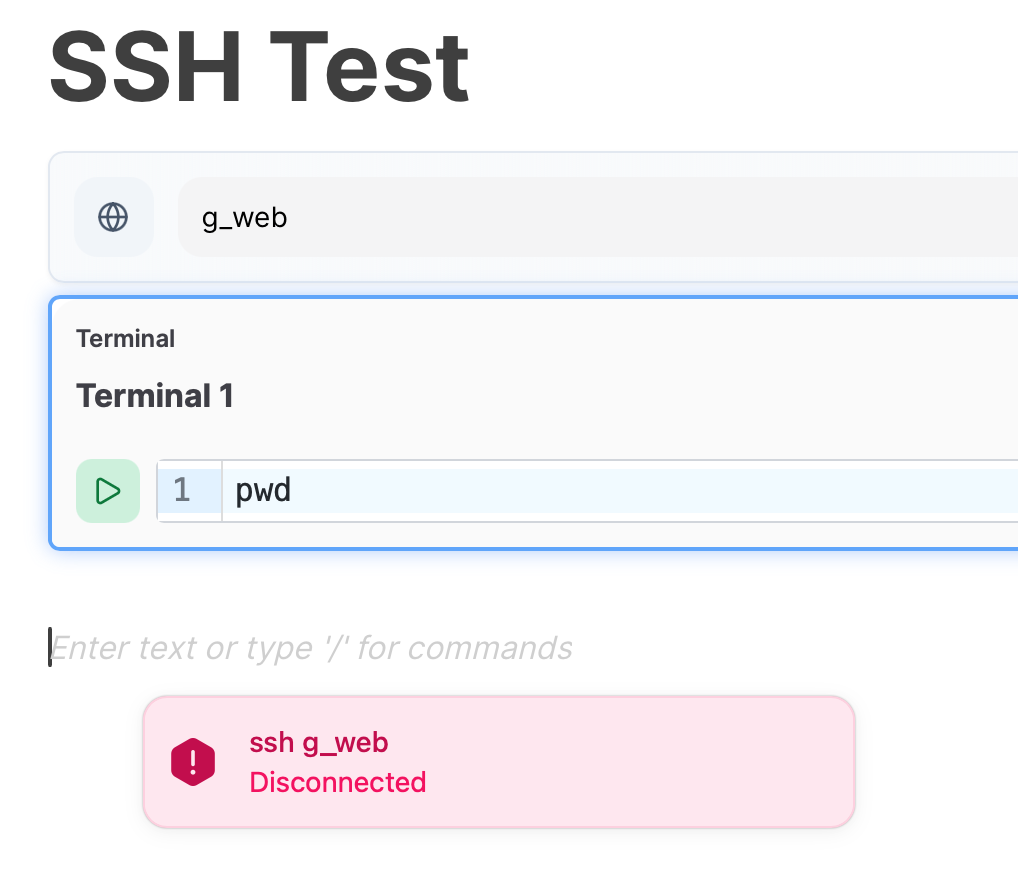
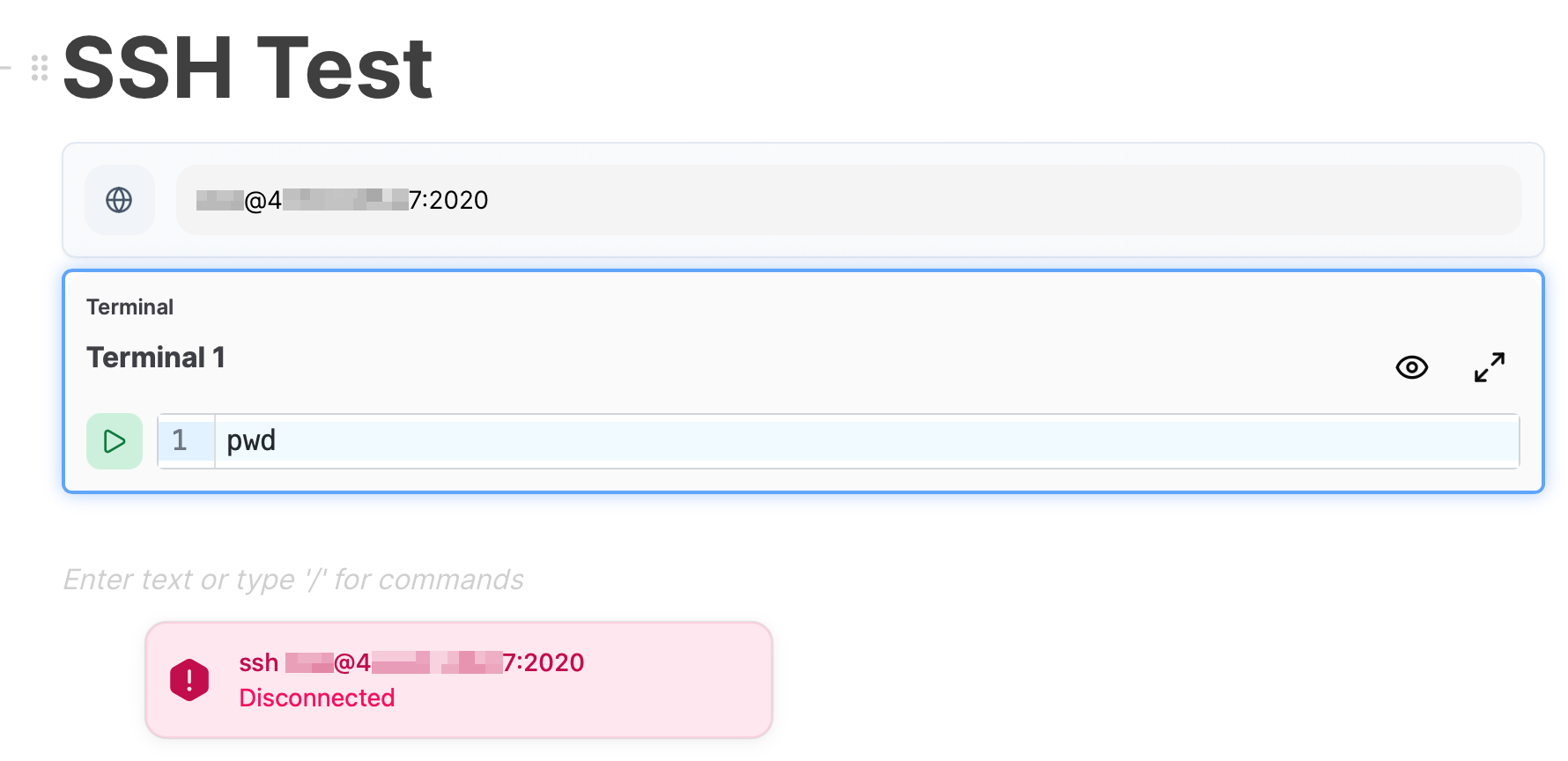
If you run it from the cli (/Applications/Atuin.app/Contents/MacOS/atuin-desktop on mac, distro-depending for linux) you will get more logs.
I’m also unable to replicate any issues with specifying an IP + port (with auth via ssh key), so hopefully the logs reveal something! We’ll be sorting proper logfiles soon which should make this better.
I was finally able to retry from the cli and here is the output:
[2025-10-06T06:09:24Z DEBUG atuin_desktop::runtime::ssh::pool] Creating new SSH connection for root@[ip redacted]:2020
[2025-10-06T06:09:24Z DEBUG atuin_desktop::runtime::ssh::session] Resolved SSH config for [ip redacted]:2020: hostname=[ip redacted], port=2020, username=Some("nanos"), identity_files=[], proxy_command=None, proxy_jump=None
[2025-10-06T06:09:24Z DEBUG atuin_desktop::runtime::ssh::session] Connecting directly to: [ip redacted]:2020
[2025-10-06T06:09:24Z DEBUG atuin_desktop::runtime::ssh::session] SSH authentication as root (config username: Some("nanos"))
[2025-10-06T06:09:24Z DEBUG atuin_desktop::runtime::ssh::session] Found 0 keys in SSH agent
[2025-10-06T06:09:24Z DEBUG atuin_desktop::runtime::ssh::session] No SSH agent keys worked for authentication
[2025-10-06T06:09:24Z DEBUG atuin_desktop::runtime::ssh::session] No explicit authentication method provided, tried SSH agent and config identity files
[2025-10-06T06:09:24Z DEBUG atuin_desktop::runtime::ssh_pool] Opening PTY for 0199b823-98b2-7e56-bcb1-67a41079bd1b
[2025-10-06T06:09:24Z ERROR atuin_desktop::runtime::ssh_pool] Failed to open PTY: Disconnected

    Location:
        src/runtime/ssh/session.rs:587:27
Just one comment on this: I’ve tried adding IdentityFile ~/.ssh/id_rsa to the relevant entry in my ~/.ssh/config file, but that made no difference to the output.
Doesn’t macOS run an ssh agent by default? I haven’t set one up manually, but yes, one is running.
FWIW, after a system reboot the other day, the SSH block started working in Atuin. (Sorry, I should’ve posted here!) So maybe the ssh-agent wasn’t running (properly) without me noticing?
I have never been able to get the SSH block to work either. I have this in my `~/.ssh/config`:
Host server
  HostName 1.2.3.4
  User user
Then:
I have one key added to the SSH agent (it shows when I do `ssh-add -l`);
When I ssh to a host from the terminal or from an Atuin terminal, it connects;
If I remove the key with `ssh-add -D`, then it fails from the Atuin terminal because it can’t ask for the passphrase, and from a regular terminal it asks for my passphrase, which proves that the key in the agent is the right one to connect;
Running a script after the SSH block doesn’t do anything, and the logs from running Atuin from the terminal show (datetime and logger removed for readability, but it’s `[atuin_desktop_runtime::ssh::session]`:
[INFO] Starting SSH authentication for user@1.2.3.4
[INFO] Step 1/4: Trying SSH agent authentication
[INFO] Attempting SSH agent authentication for ubuntu
[INFO] Using default SSH agent from environment
[INFO] SSH agent has 1 keys available
[INFO] No SSH agent keys worked for authentication
[INFO] ✗ SSH agent authentication failed or unavailable
[INFO] Step 2/4: Trying SSH config identity files (0 files)
[INFO] Step 3/4: Trying default SSH keys (1 keys found)
[INFO] Attempting public key authentication with /Users/user/.ssh/id_rsa
[WARN] Failed to load key /Users/user/.ssh/id_rsa: The key is encrypted
[INFO] Step 4/4: Trying explicitly provided authentication
[WARN] All SSH authentication methods exhausted
[WARN] Tried: SSH agent, 0 config keys, 1 default keys
One can see that there is indeed one key in the agent. We know that it’s the right one, but it says it didn’t work. Then it tries the same key from the filesystem, which fails because it has a passphrase.
If I remove the passphrase from my private key, the relevant log shows:
[INFO] Step 2/4: Trying SSH config identity files (1 files)
[INFO] Attempting public key authentication with /Users/user/.ssh/nopass
[WARN] Server rejected key /Users/user/.ssh/nopass (remaining methods: MethodSet([PublicKey]), partial: false)
Obviously, the same thing done in the terminal works flawlessly, and I double-checked with verbose logging that it’s indeed the `nopass` key that’s being used to connect.
I’m a bit at a loss. Is there something else I can test to get a better idea
Update: I looked at the SSH server logs, and I noticed that it display an “invalid user” error, with my local username. So Atuin is not honouring the `User` setting from my `.ssh/config`.
If I change the SSH block to `user@server`. it now connects, but only with the passphrase-less filesystem SSH key. The default SSH agent still fails, and so does the 1Password agent.